
Terms of Use
By visiting this site, you agree to these terms.
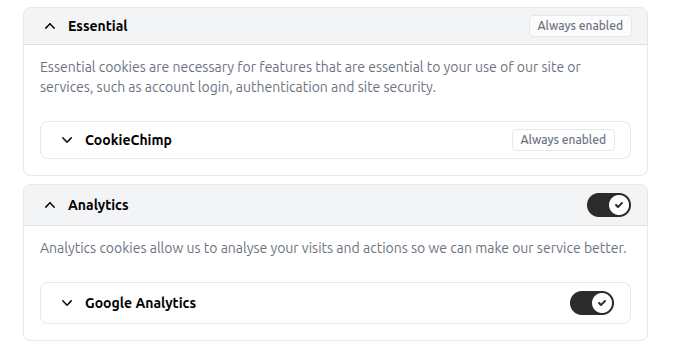
Cookie Consent Settings
CookieChimp works by loading the script located at:
https://cookiechimp.com/widget/ZpMtG9G.js
Enable this script if you'd like to use cookie options.
Cookie Consent Settings are found in the CookieChimp icon in the lower-left corner.
CookieChimp's content containers are denoted by the following Document Object Model (DOM) IDs:
hcookiechimp-floating-icon
hcc-main
Enabling CookieChimp will place a cookie on your computer.
CookieChimp Information
If this icon does not appear, ensure that cookies and JavaScript are enabled. Browsers such as Brave might block scripts. CookieChimp will then give additional options to manage your cookie and privacy settings.
Recommended Settings
Updated: 26 July 2026